How to Find Decision-Makers in a Company: A Step-by-Step Guide
Reaching the wrong person is the most common reason good outreach goes unanswered. Here is a step-by-step method to identify the real decision-makers at a target company and confirm you have the right contact.
 Farrukh R.Founder, Dataverix · 4 min read

KEY TAKEAWAYS
- A decision-maker is the person with the authority and budget to say yes — at small companies that is often the owner; at larger ones it’s a department head.
- Most B2B purchases involve several people. Map the decision-maker, influencers and users before you start.
- Use the company website, LinkedIn, press coverage and public filings to identify names and confirm current roles.
- Finish by finding and verifying a business email for each person, and record where every detail came from.
Who is the decision-maker?
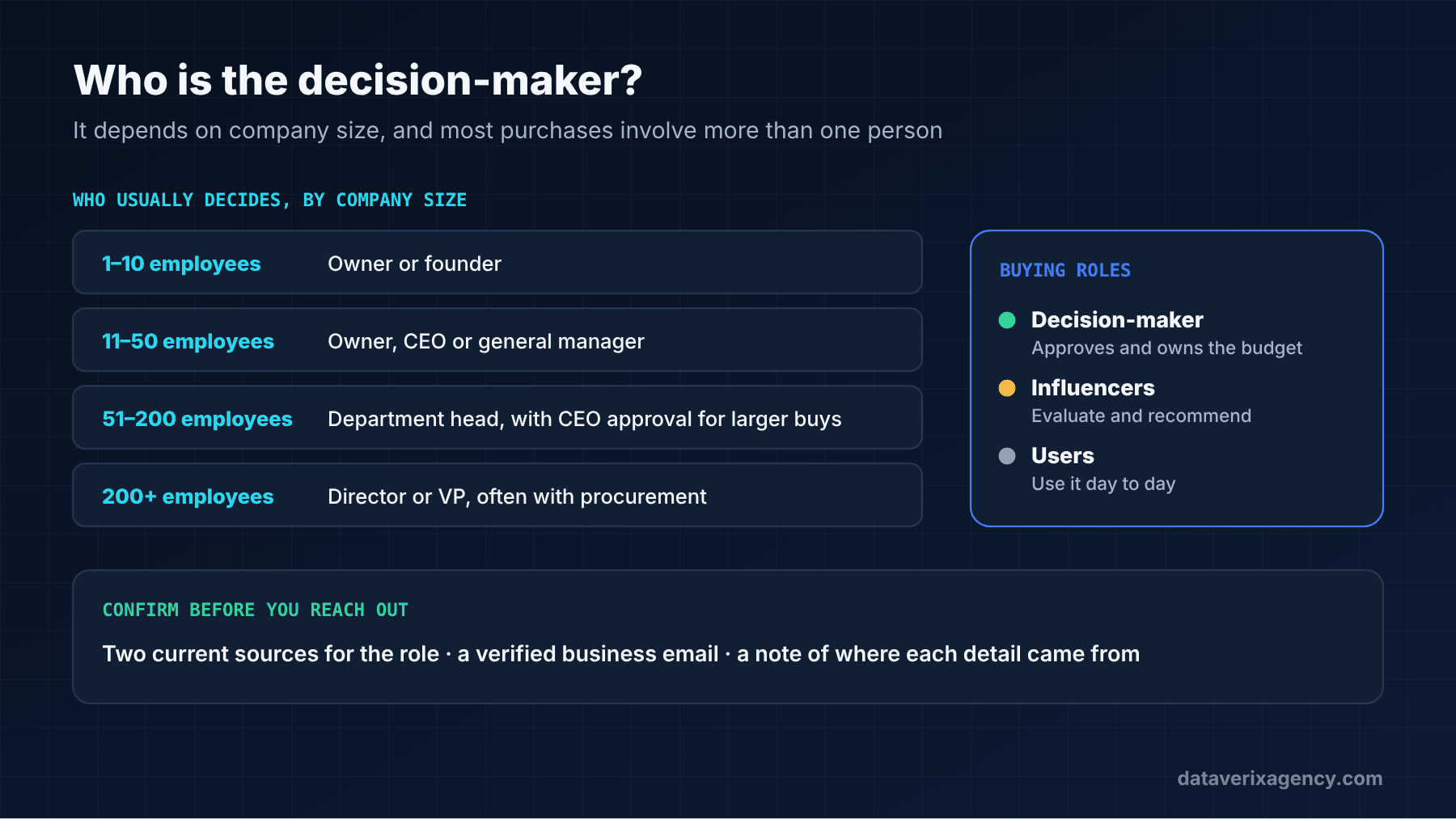
A decision-maker is the person who has the authority to approve a purchase and control over the budget it comes from. Who that is depends on company size and what you sell:
| Company size | Who usually decides |
|---|---|
| 1–10 employees | Owner or founder |
| 11–50 employees | Owner, CEO or general manager; sometimes an operations lead |
| 51–200 employees | Department head (sales, marketing, operations, IT, finance) with owner or CEO approval for larger purchases |
| 200+ employees | Director or VP of the relevant department, often with a procurement process |
These are general patterns. Always check how the specific company is organised.
Step 1: Map the buying roles
Before you search for names, decide which roles you’re looking for. For most B2B offers, there are three:
- Decision-maker: approves and owns the budget.
- Influencers: evaluate options and recommend — often a manager or specialist.
- Users: will use what you sell day to day.
Write down the job titles for each, including common variations (“Head of Operations”, “Operations Director”, “VP Operations”). This list belongs in your ideal customer profile.
Step 2: Start with the company website
The about, team and leadership pages are the most reliable source because the company publishes them itself. Also check the contact page, careers page (job ads often name the hiring manager) and any news or blog posts written by staff.
Step 3: Search LinkedIn
Search for the company’s page and look at its “People” section, filtering by title keywords. Check each profile’s current position, start date and location. A profile that shows the person moved to a new company last month is a lead for that company — not this one. Matching people to the right profiles at scale is what our LinkedIn research service does.
Step 4: Check other public sources
- Press releases and local news often name owners, new hires and promotions.
- State business registrations list officers or registered agents for many US companies.
- Industry associations and event speaker lists highlight senior people.
- Podcasts, webinars and interviews show who speaks for the company.
Step 5: Confirm the person is current
People change jobs all the time. Before you add a name to your list, look for at least two signals that they still hold the role — for example, the company website and a recent profile update. If you can only find one dated source, note it.
Step 6: Find and verify their contact details
Once you know who, find a business email and, if useful, a company phone number. Our guide on how to find a business email address covers seven methods. Then verify each address before it goes into a campaign — catch-all addresses need extra care.
Step 7: Record your sources
For every contact, note where the name, title and email came from, and when you checked. It makes your list auditable, helps you re-verify later and keeps your outreach honest.
What if you can’t find the decision-maker?
- Contact the most senior relevant person you can confirm and ask, politely, who handles the decision.
- Call the front desk and ask who looks after the area you’re offering.
- Use a role-based address (such as operations@) only as a last resort, and say clearly who you’re trying to reach.
Doing this for hundreds of companies
Following these steps for one company takes ten to twenty minutes when it goes well. For a list of several hundred target accounts, it becomes a full-time job. That’s the work we take on in decision-maker research and B2B lead generation projects, delivering named contacts with titles, verified emails, LinkedIn URLs and sources.
Frequently asked questions
How do I find out who makes purchasing decisions at a company?
Map the roles that typically own the budget for what you sell, then check the company’s leadership page, LinkedIn, press releases and public filings to find who holds those roles today.
How do I find decision-makers on LinkedIn?
Open the company’s LinkedIn page, go to “People” and filter by job title keywords. Check each profile’s current role and start date to make sure they still work there.
Who is the decision-maker at a small business?
At companies with fewer than about 50 employees, it’s usually the owner, founder, CEO or general manager, even when someone else handles day-to-day details.
Should I contact more than one person at the same company?
Often, yes — especially at larger companies where several people influence a decision. Keep your messages consistent and relevant to each person’s role.
Get the right names, not just more names
Request a free data sample and we’ll research decision-makers at companies in your target market so you can judge the quality yourself.
Cover photo: Campaign Creators on Unsplash.
Founder of Dataverix. Farrukh specializes in B2B lead generation, decision-maker research and contact data enrichment, helping US businesses turn fragmented information into structured, sales-ready prospect data.
Meet the founder Upwork profile ↗farrukh@dataverixagency.com